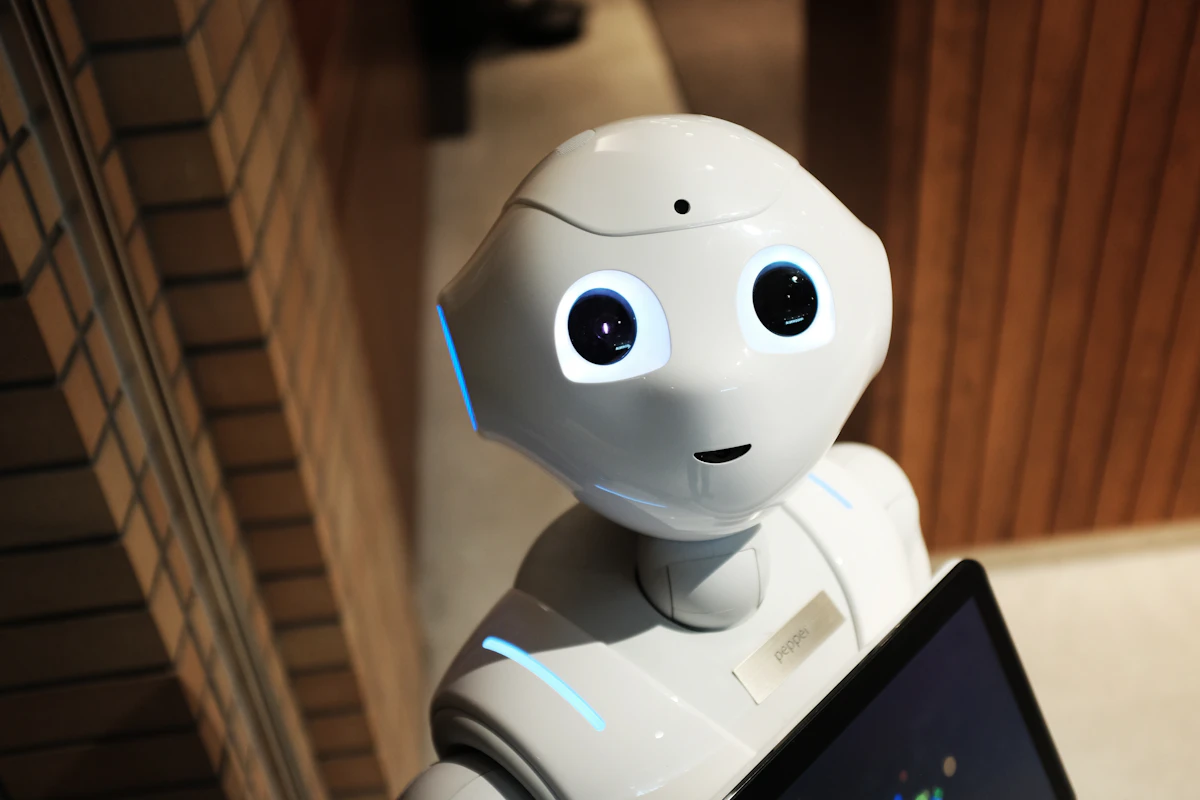
For decades, humans have controlled machines using buttons, joysticks, and keyboards. While effective, these interfaces act as a barrier between human intent and robotic action. At Virtual Science Club Bangladesh (VSC.BD), we wanted to break this barrier. What if the robot could simply watch your hand and mimic your movements in real-time?
This engineering log documents the development of our 4-DOF (Degrees of Freedom) Gesture-Controlled Robotic Arm. We completely bypassed traditional controllers, using a standard webcam, Artificial Intelligence, and complex mathematical kinematics to translate human gestures into servo motor angles.
1. The Brain: Computer Vision & MediaPipe
To control a robot with hand gestures, the computer first needs to understand what a "hand" is. In the past, engineers used Haar Cascades or color-tracking (wearing colored gloves). These methods are highly unreliable under different lighting conditions.
We implemented Google's MediaPipe framework running on top of OpenCV in Python. MediaPipe uses machine learning to infer 21 3D landmarks of a hand from just a single video frame. It runs smoothly on edge devices without needing a massive GPU.
// LOGICAL_ENGINEERING_NOTE
Do not just copy code; understand the geometry. MediaPipe gives us coordinates (X, Y, Z) for each joint of the hand. By calculating the Euclidean distance between Landmark 4 (Thumb tip) and Landmark 8 (Index tip), we can determine if the user is making a "pinching" motion. This exact mathematical distance is mapped to the PWM signal of the robot's gripper.
2. The Mathematics of Movement: Kinematics
Getting the $(X, Y)$ coordinates of a hand on a computer screen is only half the battle. The screen is a 2D plane (e.g., $1920 \times 1080$ pixels), but servo motors operate in angles (0° to 180°).
We had to write an algorithm to map linear pixel coordinates to rotational angles. If your hand moves from the left side of the screen ($X=0$) to the right side ($X=1920$), the base servo must smoothly rotate from 0° to 180°. We used mathematical interpolation (similar to Arduino's map() function, but written in Python) to handle this conversion dynamically.
3. The Hardware Stack
A smart brain needs strong muscles. Here is the hardware architecture that brings the AI to life:
- The Actuators: 4x MG996R High-Torque Metal Gear Servos. Plastic gear servos (like the SG90) strip easily under the weight of an acrylic arm. Metal gears are mandatory for industrial-style robotics.
- The Servo Driver: PCA9685 16-Channel 12-bit PWM Driver. Controlling 4 servos directly from a microcontroller can cause severe jitter due to timer conflicts. The PCA9685 offloads this processing, ensuring butter-smooth movements via $I^2C$ communication.
- The Middleman: ESP32 (or Arduino). The Python script runs on the PC, does the heavy AI processing, and sends the calculated angles via Serial Communication to the ESP32. The ESP32 then commands the PCA9685.
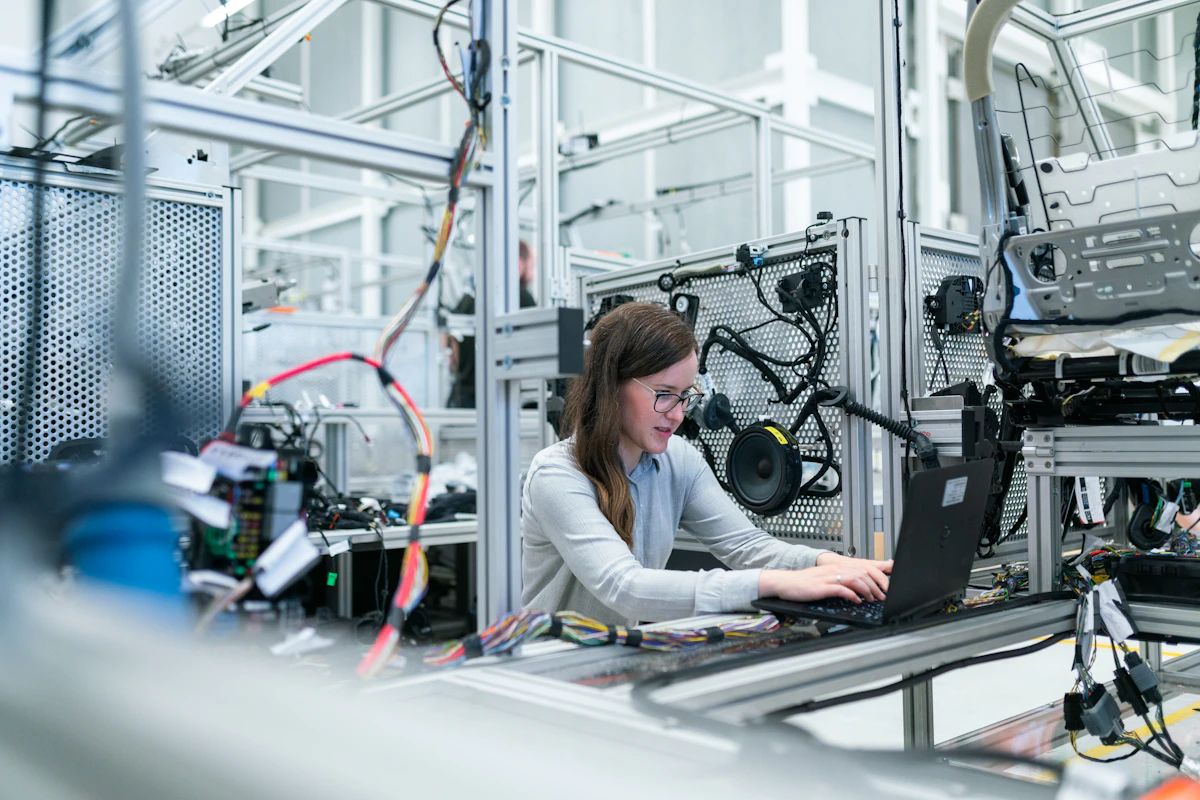 Fig 2.0 - Bridging Python-based AI with C++ based hardware actuation.
4. The Codebase: Extracting Landmarks
Below is a simplified snippet of our Python core engine. It captures the video feed, processes the hand landmarks, calculates the angles, and transmits the data package over a Serial COM port.
import cv2
import mediapipe as mp
import serial
import math

# Initialize Serial Communication with ESP32
arduino = serial.Serial('COM3', 115200, timeout=1)

mp_hands = mp.solutions.hands
hands = mp_hands.Hands(max_num_hands=1, min_detection_confidence=0.7)
cap = cv2.VideoCapture(0)

def map_range(x, in_min, in_max, out_min, out_max):
    return int((x - in_min) * (out_max - out_min) / (in_max - in_min) + out_min)

while True:
    success, img = cap.read()
    img_rgb = cv2.cvtColor(img, cv2.COLOR_BGR2RGB)
    results = hands.process(img_rgb)

    if results.multi_hand_landmarks:
        for handLms in results.multi_hand_landmarks:
            # Extract Wrist Coordinate (Landmark 0) for Base Rotation
            x_wrist = handLms.landmark[0].x
            base_angle = map_range(x_wrist, 0.0, 1.0, 180, 0) # Inverted for mirror effect

            # Extract Thumb (4) and Index (8) for Gripper
            x1, y1 = handLms.landmark[4].x, handLms.landmark[4].y
            x2, y2 = handLms.landmark[8].x, handLms.landmark[8].y
            distance = math.hypot(x2 - x1, y2 - y1)

            # Convert distance to servo angle (Claw open/close)
            gripper_angle = map_range(distance, 0.05, 0.25, 10, 90)

            # Send data array to ESP32: [Base, Shoulder, Elbow, Gripper]
            data_string = f"{base_angle},90,90,{gripper_angle}\n"
            arduino.write(data_string.encode('utf-8'))

    cv2.imshow("VSC.BD Vision Engine", img)
    if cv2.waitKey(1) & 0xFF == ord('q'):
        break
5. Overcoming The Latency Challenge
One major issue we faced was Serial Buffer Overflow. Python processes frames much faster (around 30-60 FPS) than mechanical servos can physically move. If Python sends 60 commands per second, the ESP32 buffer fills up, causing the robot arm to lag severely and move erratically.
The Solution: We implemented a filtering algorithm. Instead of sending every single frame's data, the Python script only sends data if the new angle differs from the old angle by more than 3 degrees. This drastically reduced serial traffic and completely eliminated mechanical jitter.
6. Conclusion and Real-World Impact
This project proves that with the right combination of logic and math, high-level AI concepts can be brought to life using accessible hardware. The applications for gesture-controlled robotics are vast—ranging from remote surgery implementations to handling hazardous materials in chemical plants where human presence is too dangerous.
At VSC.BD, we don't just build robots; we engineer solutions that bridge the gap between human intuition and machine precision.